
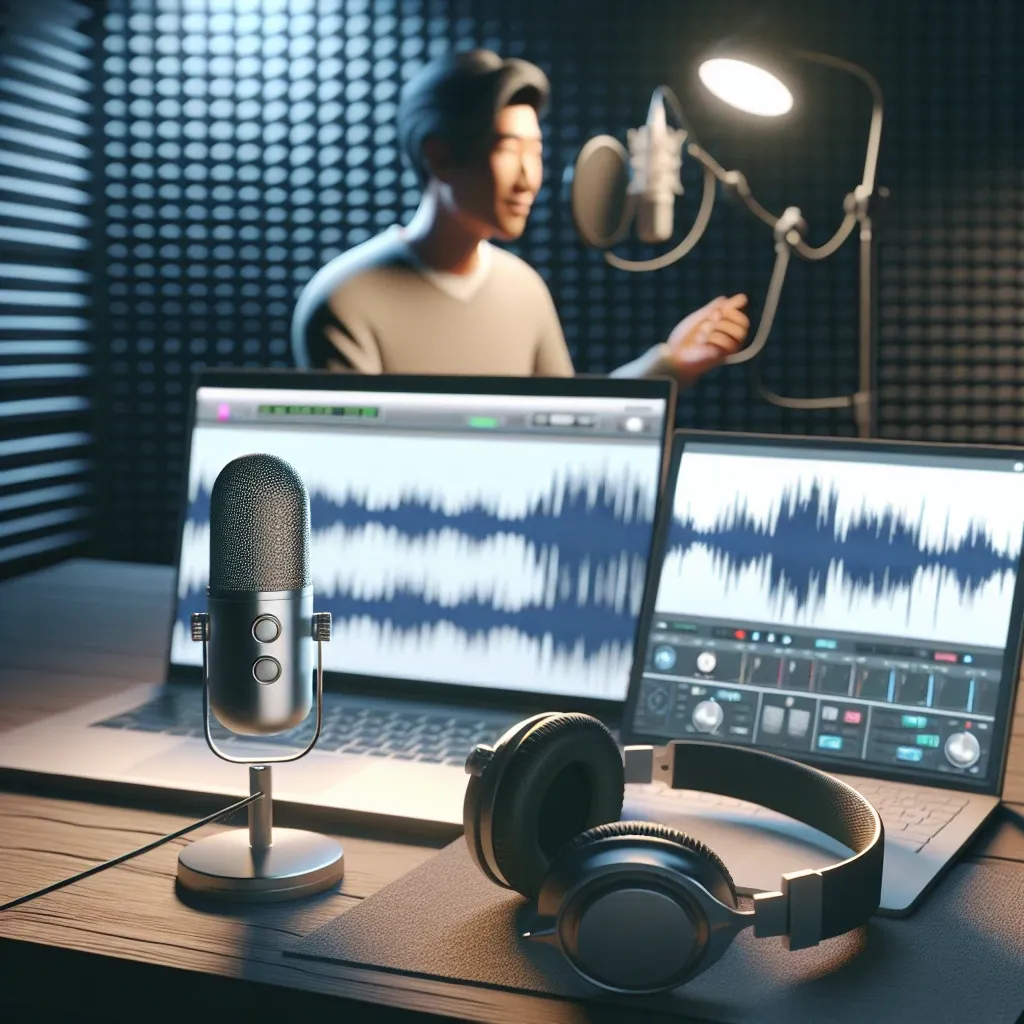
Video content has become the cornerstone of digital communication, and adding a professional voiceover can transform your videos from ordinary to extraordinary. Whether you’re creating educational content, marketing materials, or entertainment videos, mastering the art of voiceover integration is essential for engaging your audience effectively.
Understanding the Importance of Voiceovers in Video Production
Voiceovers serve multiple purposes in video content creation. They provide clarity to complex visual information, guide viewers through your narrative, and create an emotional connection with your audience. Professional voiceovers can increase viewer engagement by up to 80%, making them a crucial element in successful video marketing strategies.
From a technical perspective, voiceovers fill the audio landscape of your video, preventing awkward silences and maintaining viewer attention. They also make your content more accessible to diverse audiences, including those who prefer auditory learning or have visual impairments.
Essential Equipment for High-Quality Voiceover Recording
Before diving into the recording process, assembling the right equipment is fundamental to achieving professional results. Your recording setup doesn’t need to be expensive, but it should meet certain quality standards.
Microphone Selection
The microphone is arguably the most critical component of your voiceover setup. USB condenser microphones offer excellent quality for beginners, while XLR microphones provide professional-grade audio for advanced users. Popular choices include the Audio-Technica AT2020USB+ and the Blue Yeti, both offering exceptional value for their price range.
Recording Environment
Creating an optimal recording environment significantly impacts your voiceover quality. Choose a quiet room with minimal echo and background noise. Soft furnishings, carpets, and curtains help absorb sound reflections, creating a more professional recording atmosphere. If budget allows, consider investing in acoustic foam panels for your recording space.
Audio Interface and Monitoring
An audio interface converts your microphone’s analog signal to digital format, ensuring clean audio capture. Pair this with quality headphones for accurate monitoring during recording sessions. The Focusrite Scarlett series offers reliable options for various budget ranges.
Step-by-Step Guide to Recording Your Voiceover
Recording a professional voiceover requires careful preparation and attention to detail. Follow these systematic steps to achieve optimal results.
Script Preparation and Practice
Begin by thoroughly reviewing your script, marking pauses, emphasis points, and breathing spots. Practice reading aloud multiple times, focusing on natural pacing and clear articulation. Record practice sessions to identify areas needing improvement before the final recording.
Technical Setup
Configure your recording software with appropriate settings. Use a sample rate of 44.1 kHz or 48 kHz and a bit depth of 24-bit for professional quality. Set input levels to avoid clipping while maintaining adequate signal strength. Most recording software includes level meters to help monitor your input signal.
Recording Techniques
Maintain consistent distance from your microphone throughout the recording session. Speak directly into the microphone at approximately 6-8 inches distance. Use proper breathing techniques, taking breaths at natural pause points in your script. Record in segments if your script is lengthy, allowing for breaks and maintaining vocal consistency.
Editing and Post-Production Techniques
Raw voiceover recordings typically require editing to achieve professional standards. Post-production involves several crucial steps that enhance audio quality and ensure seamless integration with your video content.
Noise Reduction and Cleanup
Begin editing by removing background noise and unwanted sounds. Most audio editing software includes noise reduction tools that can eliminate consistent background hums or hisses. Remove mouth clicks, breathing sounds, and long pauses that detract from the professional quality of your voiceover.
Equalization and Compression
Apply equalization to enhance vocal clarity and warmth. Typically, boosting frequencies around 2-5 kHz improves speech intelligibility, while gentle compression helps maintain consistent volume levels throughout your recording. Avoid over-processing, which can make vocals sound unnatural.
Timing and Synchronization
Ensure your voiceover timing aligns perfectly with your video content. Mark key synchronization points and adjust audio timing accordingly. Leave appropriate gaps for visual elements that require viewer attention without audio distraction.
Video Editing Software and Voiceover Integration
Modern video editing software provides robust tools for integrating voiceovers seamlessly. Understanding these tools enables you to create professional-quality productions efficiently.
Popular Video Editing Platforms
Adobe Premiere Pro, Final Cut Pro, and DaVinci Resolve offer comprehensive voiceover integration capabilities. For beginners, platforms like Canva provide user-friendly interfaces with essential voiceover tools. Each platform has unique strengths, so choose based on your specific needs and technical expertise.
Audio Track Management
Organize your audio tracks systematically, separating voiceovers from background music and sound effects. This organization facilitates easier editing and mixing. Use multiple audio tracks to layer different audio elements while maintaining individual control over each component.
Mixing and Balancing
Balance voiceover levels with background music and sound effects. Voiceovers should typically be the dominant audio element, with background music sitting approximately 15-20 dB below the vocal track. Use ducking techniques to automatically lower background music volume when voiceovers are present.
Advanced Techniques for Professional Results
Elevating your voiceover quality requires mastering advanced techniques that distinguish professional productions from amateur attempts.
Multi-Track Recording
For complex projects, consider recording multiple voiceover tracks for different sections or speakers. This approach allows for more precise editing and enables you to maintain consistency across different recording sessions. Color-code your tracks in your editing software for easier navigation and organization.
Automated Dialogue Replacement (ADR)
ADR techniques help replace or enhance existing audio in your video. This process involves recording new voiceover while watching the original video, ensuring perfect lip-sync and timing. Professional ADR requires practice but produces superior results for dialogue-heavy content.
Voice Processing and Enhancement
Apply subtle voice processing to enhance vocal characteristics. De-essing removes harsh sibilant sounds, while harmonic exciters can add warmth and presence to your voice. Use these effects sparingly to maintain natural vocal quality while improving overall clarity.
Common Mistakes and How to Avoid Them
Understanding common voiceover mistakes helps prevent issues that can compromise your video’s professional quality.
Technical Pitfalls
Avoid recording at inappropriate levels, which can result in distorted or noisy audio. Monitor your levels consistently and use proper gain staging throughout your signal chain. Always record safety tracks at slightly lower levels to prevent unexpected clipping.
Performance Issues
Maintain consistent energy and pacing throughout your voiceover. Avoid rushing through technical sections or slowing down unnecessarily during simple explanations. Practice maintaining conversational tone while delivering information clearly and engagingly.
Post-Production Errors
Over-processing audio can make voiceovers sound artificial and distracting. Apply effects conservatively and always compare processed audio with the original recording. Use reference tracks from professional productions to guide your mixing decisions.
Optimizing Voiceovers for Different Platforms
Different platforms have varying audio requirements and audience expectations. Tailoring your voiceover approach to specific platforms maximizes engagement and effectiveness.
Social Media Considerations
Social media videos often require more energetic, concise voiceovers that capture attention quickly. Consider platform-specific features like auto-play without sound, which necessitates clear visual cues complementing your voiceover content.
Educational and Corporate Content
Educational videos benefit from measured, clear delivery that allows time for information processing. Corporate content requires professional tone while maintaining accessibility for diverse audiences. Consider including multiple language options for international reach.
Entertainment and Marketing Videos
Marketing videos require voiceovers that create emotional connections with viewers. Use varied inflection and pacing to maintain interest while delivering key messages effectively. Entertainment content allows for more creative voice processing and character development.
Future Trends in Voiceover Technology
The voiceover industry continues evolving with technological advances that streamline production while improving quality.
AI-Powered Tools
Artificial intelligence tools now assist with voice cloning, automated editing, and real-time voice processing. While these technologies offer convenience, human creativity and emotional intelligence remain irreplaceable for creating compelling voiceover content.
Remote Collaboration
Cloud-based platforms enable seamless collaboration between voice actors, directors, and editors regardless of geographical location. These tools democratize access to professional voiceover talent while reducing production costs and timelines.
Mastering voiceover integration transforms your video content from simple visual presentations to engaging, professional productions. By following these comprehensive guidelines and continuously practicing your technique, you’ll develop the skills necessary to create compelling voiceover content that resonates with your audience and achieves your communication objectives.





Leave a Reply